
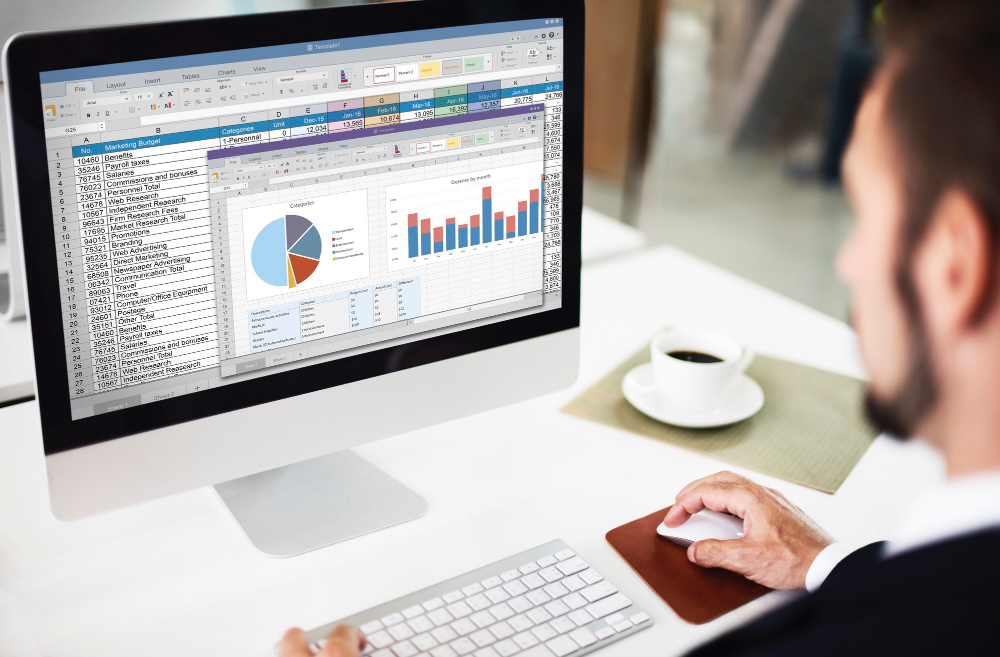
Explore the key details of the MS Excel Accounting Course and the practical skills covered throughout the program.
The MS Excel Accounting Course is designed for learners and professionals who want to build practical Excel skills for accounting, finance, reporting, and everyday business tasks.
Build practical Excel skills for calculations, financial data management, reporting, and accounting-related tasks.
Improve efficiency in financial analysis, reporting, data organization, and day-to-day spreadsheet tasks.
Learn to organize financial information, track business data, analyze performance, and make better-informed decisions.
Develop practical Excel and accounting skills that are valuable across finance, administration, and business roles.
Strengthen your ability to manage financial records, analyze accounting data, prepare reports, and improve accuracy.
Gain practical knowledge of Microsoft Excel for accounting, finance, reporting, and professional workplace applications.
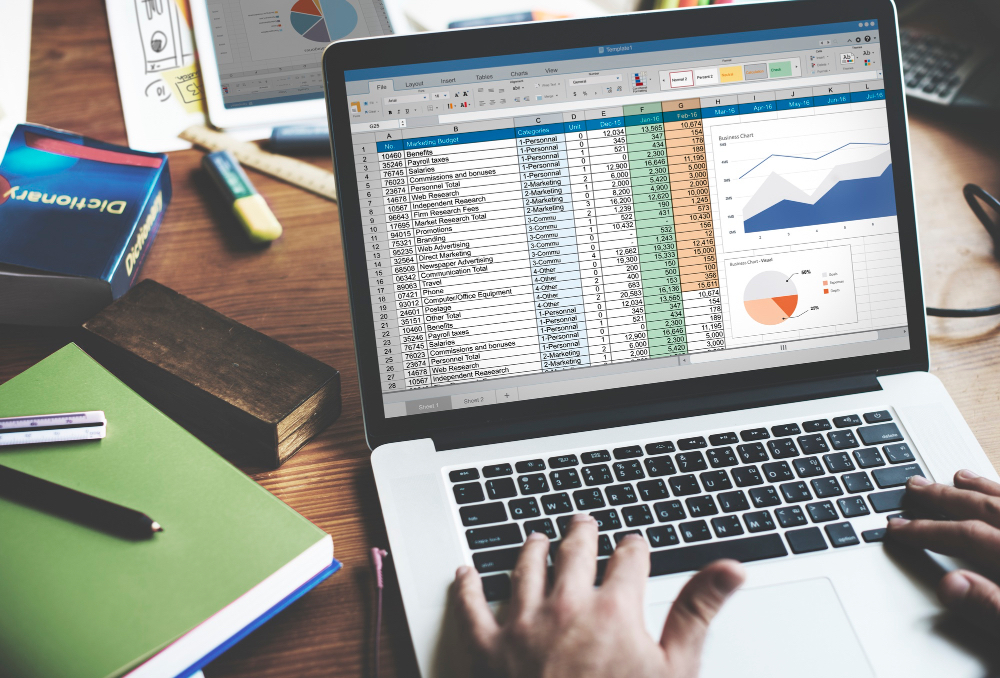
Develop practical Excel skills for managing financial data, performing accounting calculations, creating reports, and improving the accuracy and efficiency of everyday accounting tasks.
Use essential Excel functions and formulas to perform accounting calculations and work efficiently with financial data.
Organize, manage, sort, and analyze accounting and financial information accurately in Excel spreadsheets.
Use PivotTables to summarize financial data, identify patterns, and generate useful insights from accounting records.
Learn how Excel can be used to prepare, organize, and present financial statements and accounting reports.
Improve efficiency by automating repetitive tasks and using Excel tools to identify and reduce spreadsheet errors.
Build stronger spreadsheet skills using advanced Excel features for financial analysis, reporting, and practical accounting tasks.
Practical Excel and accounting skills can support career opportunities across accounting, finance, bookkeeping, data analysis, and business operations, depending on your qualifications and professional experience.
Support financial record keeping, spreadsheet management, calculations, and accounting reports.
Use Excel to organize transactions, maintain financial records, and support everyday bookkeeping tasks.
Apply spreadsheet skills to financial data management, reporting, reconciliation, and accounts-related tasks.
Work with financial information, reports, calculations, and spreadsheet-based analysis.
Use advanced spreadsheet and data analysis skills to examine financial information and support decision-making.
Apply Excel skills to organize, summarize, analyze, and present business and financial data.
Career opportunities depend on your educational background, experience, additional qualifications, and the requirements of individual employers.
Alifbyte Educational Institute focuses on practical, career-relevant training that helps learners build useful Excel skills for accounting, financial reporting, data analysis, and everyday professional tasks.
Learn practical Excel skills through a structured course designed around real-world accounting and financial applications.
Develop hands-on Excel skills that can be applied to accounting, financial data management, reporting, and analysis.
Progress through basic, intermediate, and advanced levels to build Excel knowledge in a clear and structured way.
Build Excel capabilities relevant to accounting, finance, bookkeeping, business operations, and other professional roles.
Receive a certificate upon completing the course to demonstrate your training in MS Excel for accounting and financial applications.
Find answers to common questions about the course, skills covered, certification, career relevance, and enrollment.
An MS Excel Accounting course teaches learners how to use Microsoft Excel for accounting, financial data management, reporting, analysis, and everyday accounting tasks. It covers practical skills such as Excel functions, PivotTables, financial statement preparation, automation, and error checking.
The course is suitable for accounting students, finance professionals, bookkeepers, business owners, job seekers, and anyone who wants to develop practical Excel skills for accounting and financial tasks.
The course includes basic, intermediate, and advanced levels, making it suitable for learners at different skill levels. Contact Alifbyte to confirm the most appropriate level based on your existing Excel and accounting knowledge.
The course covers essential Excel functions for accounting, financial data management, PivotTables, data analysis, financial statement preparation, automation, error checking, and advanced Excel features for practical accounting applications.
Practical Excel skills are valuable across accounting, finance, bookkeeping, reporting, data analysis, and business operations roles. The course can help learners improve their ability to manage financial data, perform calculations, prepare reports, and work more efficiently with spreadsheets.
Yes. Learners receive a certificate upon successful completion of the MS Excel Accounting course.
Course duration and fees may vary depending on the selected course level, schedule, and current batch. Contact Alifbyte Educational Institute for the latest information on course duration, fees, and upcoming batches.
To enroll, contact Alifbyte Educational Institute through the course enquiry form, phone, WhatsApp, or the contact details provided on the website. The team can provide current information about course availability, schedules, fees, and the enrollment process.
Build your accounting and finance skills with practical, industry-focused courses designed for different career goals.
Learn practical Tally Prime skills for accounting, invoicing, inventory management, UAE VAT, payroll, and financial reporting.
Explore Course →Develop practical knowledge of UAE VAT regulations, compliance, calculations, and VAT return preparation.
Explore Course →Understand UAE Corporate Tax, taxable income, deductions, compliance, and tax return requirements.
Explore Course →Build a strong foundation in accounting, bookkeeping, financial statements, budgeting, and taxation.
Explore Course →Master manual and computerized accounting, accounting software, Excel, UAE VAT, and Corporate Tax.
Explore Course →Learn practical QuickBooks skills for bookkeeping, financial management, reporting, and accounting tasks.
Explore Course →