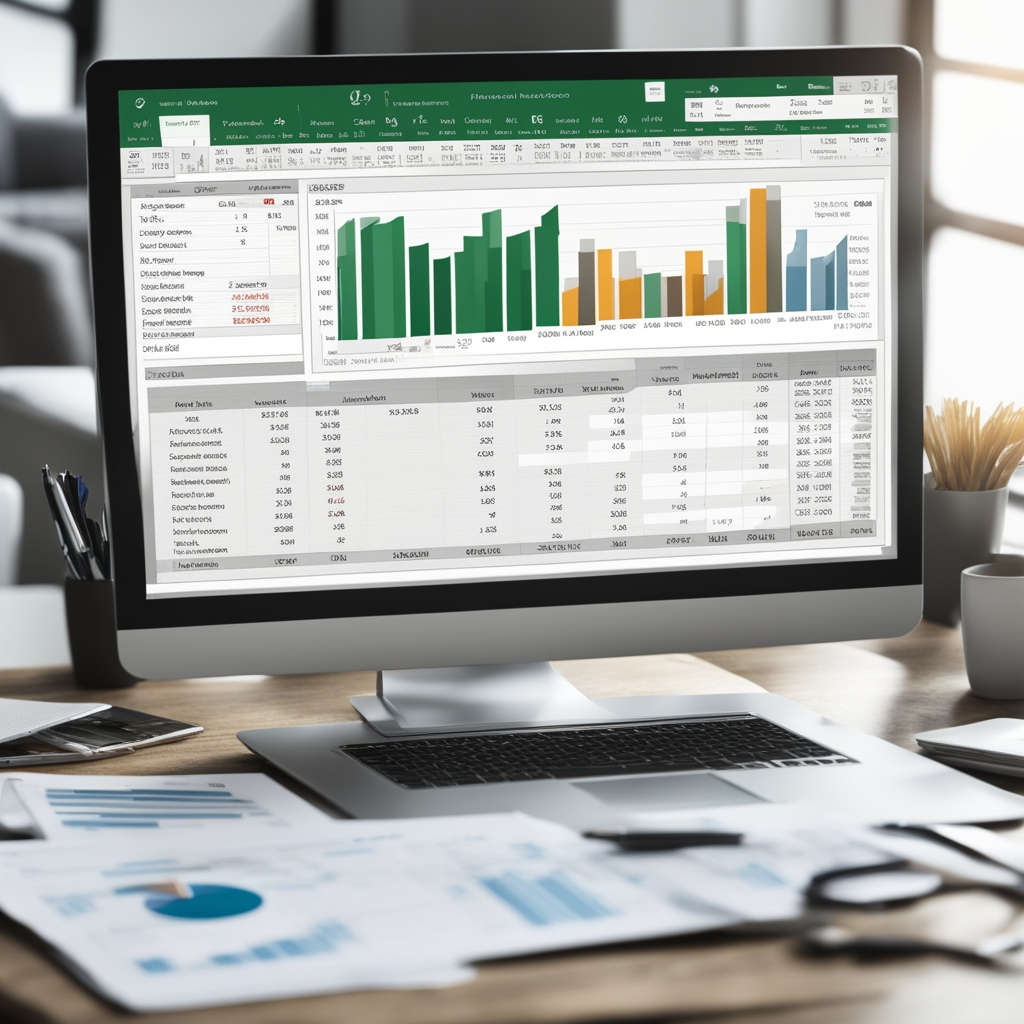
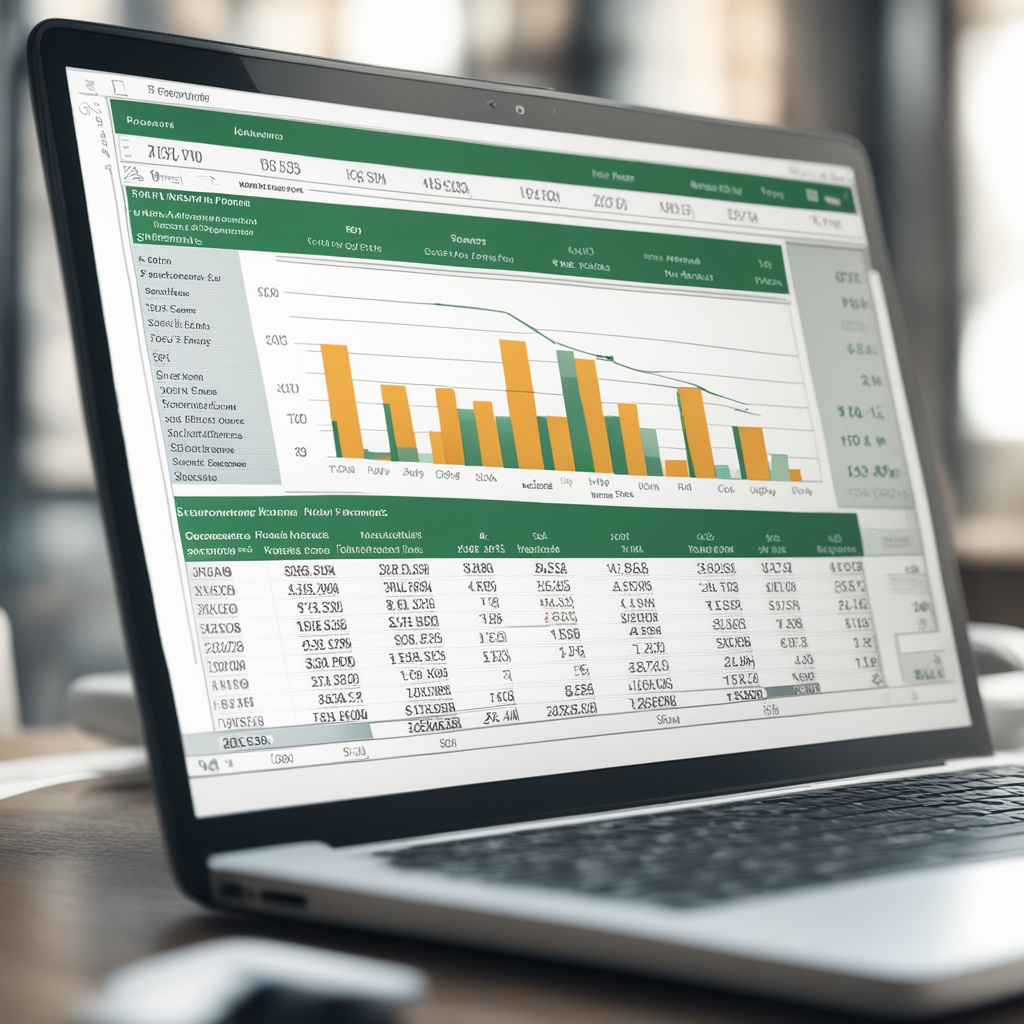
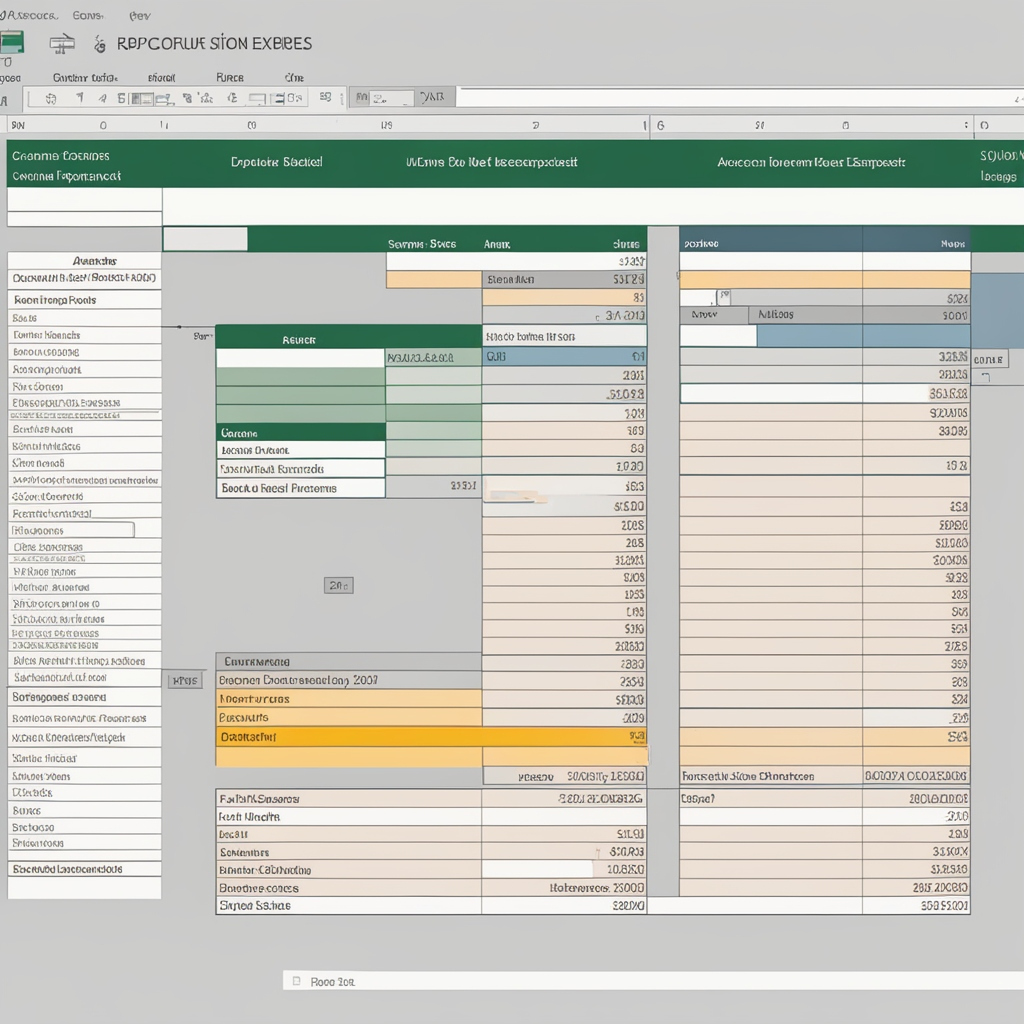
Many businesses and professionals struggle with managing finances efficiently, often relying on manual record-keeping or expensive software. This results in errors, time-consuming calculations, and missed financial insights that can impact profitability. Excel provides a powerful yet cost-effective solution for accounting, allowing users to automate calculations, analyze financial data, and generate reports with ease.
Data Validation: Ensure accurate financial entries.
Goal Seek: Forecast future financial performance.
Advanced Excel Features for Accounting Professionals
Power Query: Automates data collection and transformation.
Power Pivot: Analyzes large datasets efficiently.
Scenario Manager: Simulates different financial outcomes.
Excel VBA: Custom scripts for automating accounting workflows.
Common Mistakes to Avoid
Not backing up data: Always maintain cloud storage backups.
Ignoring formulas: Cross-check calculations for accuracy.
Overcomplicating spreadsheets: Keep data entry simple and structured.
Forgetting security: Use password protection for financial files.
Conclusion
Excel is a powerful tool for managing financial records, analyzing transactions, and generating reports efficiently. By mastering essential functions and automation techniques, professionals can streamline accounting processes while minimizing errors.