
Are you struggling to manage financial data efficiently? Many accounting professionals waste hours on manual calculations and error-prone spreadsheets. Without proper Excel skills, you risk making costly mistakes, missing critical insights, and falling behind more tech-savvy colleagues. Learning MS Excel accounting is no longer optional—it’s essential for career advancement and operational efficiency in today’s data-driven financial landscape.
This comprehensive guide will show you exactly how to learn MS Excel accounting from beginner to advanced levels, with practical applications that will transform your financial workflows and career prospects.

Microsoft Excel remains the gold standard for accounting professionals worldwide, despite the emergence of specialized accounting software. According to a 2024 survey of finance departments, 89% of accounting professionals use Excel daily, making it the most prevalent tool in the industry.
Key reasons Excel dominates accounting:
As financial data volumes grow exponentially, mastering Excel skills for accountants has become a fundamental requirement rather than a nice-to-have qualification.
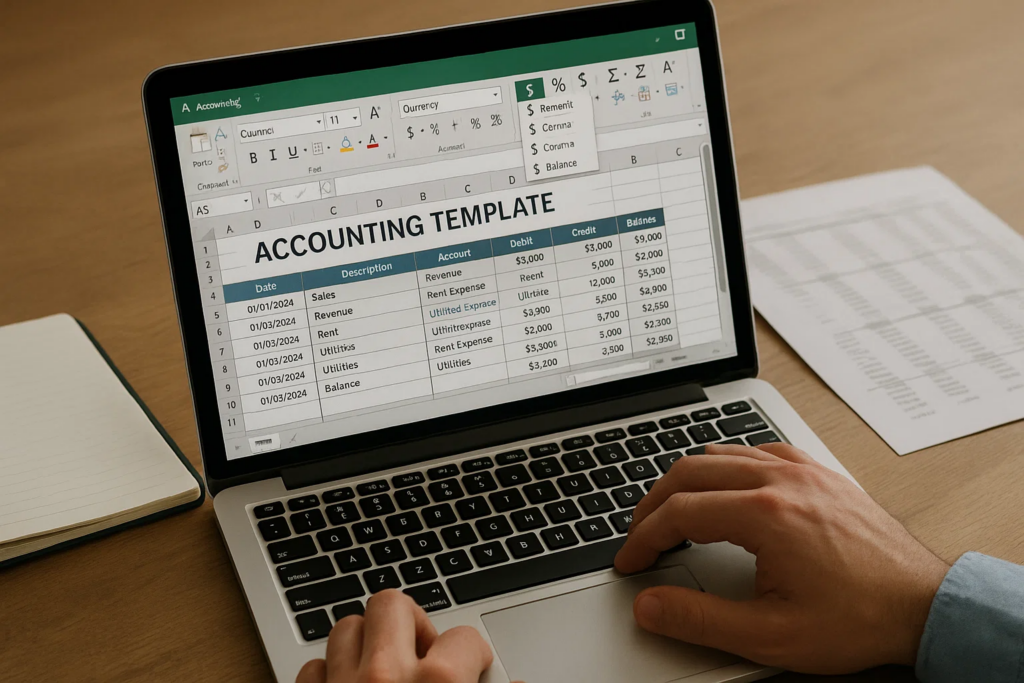
Before diving into accounting functions, configure Excel properly:
The accounting number format is specifically designed for financial data presentation:
Tip: Apply accounting formats by pressing Ctrl+Shift+~ or through the Format Cells dialog box.
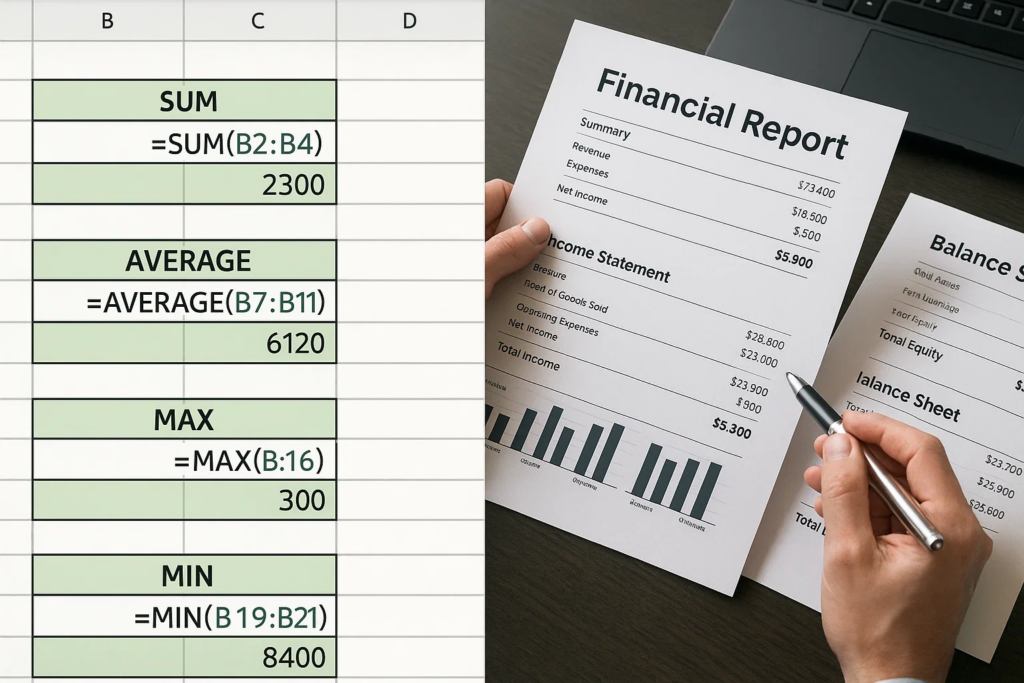
If you’re wondering how to use MS Excel for accounting, start by mastering these critical functions:
Learning to combine these functions creates powerful accounting tools. For example, a nested IF statement with VLOOKUP can automate tax calculations based on income brackets.
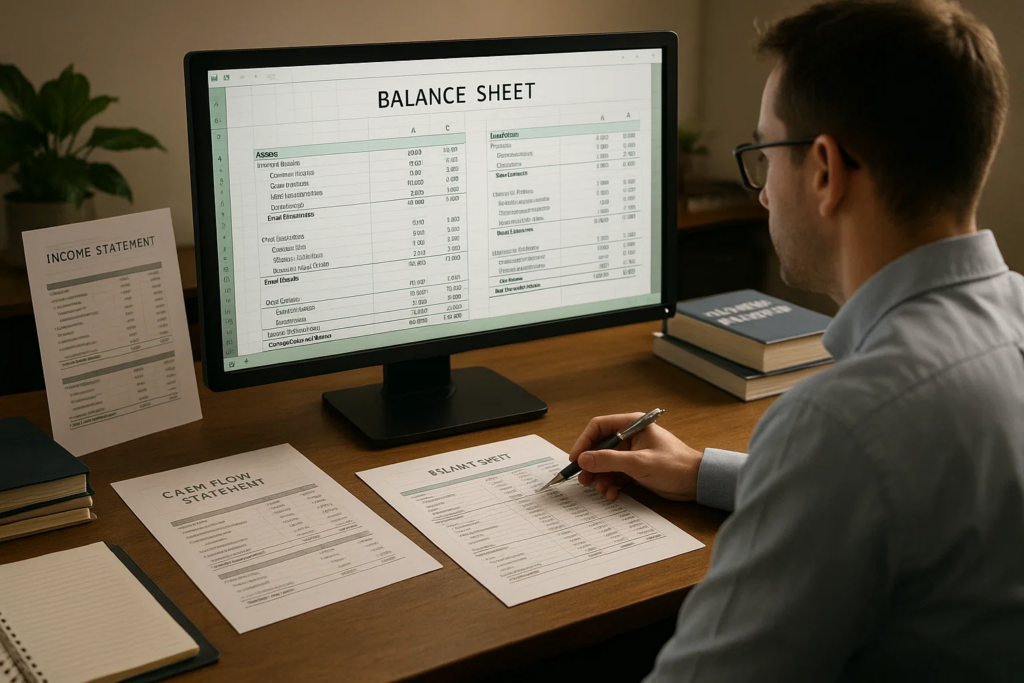
A well-structured Excel balance sheet includes:
Example formula: =SUM(TotalAssets)-SUM(TotalLiabilities+TotalEquity) should equal zero
Build professional income statements with:
Create dynamic cash flow statements using:
Advanced MS Excel courses can teach you how to automate these financial statements with dynamic data connections.
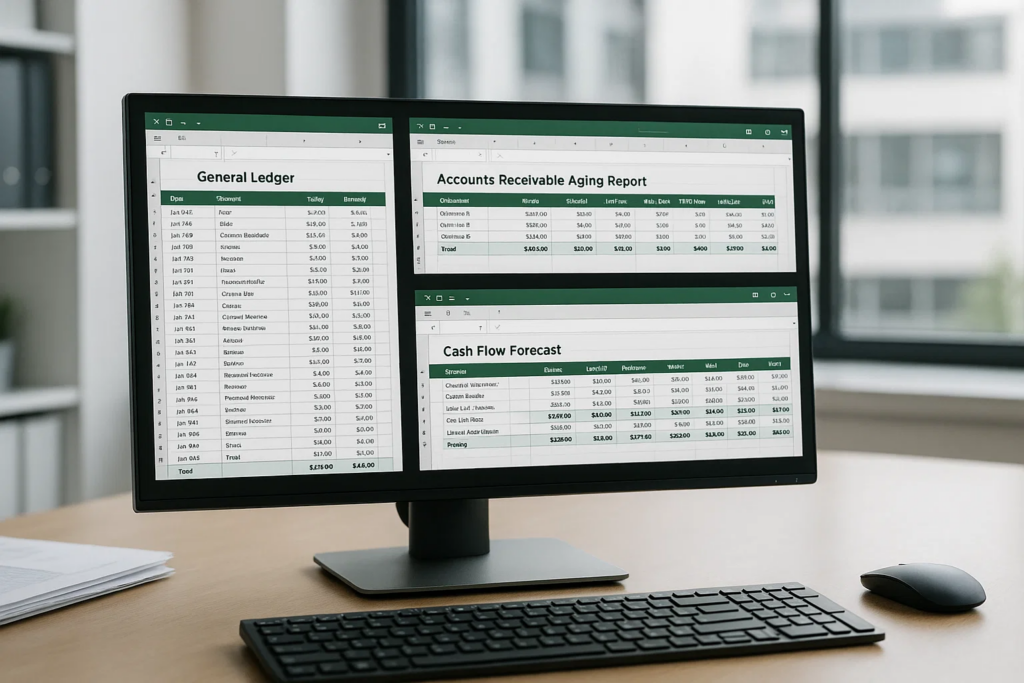
Save time with these ready-to-use templates:
Create specialized accounting tools like:
MS Excel accounting courses teach you how to build these custom tools efficiently.

PivotTables transform raw accounting data into meaningful insights:
Power Query revolutionizes how to use MS Excel for accounting by:
Learn more about Power Query’s capabilities to streamline your accounting workflows.
Automate repetitive accounting tasks with VBA macros:
Advanced Excel accounting includes building sophisticated financial models:
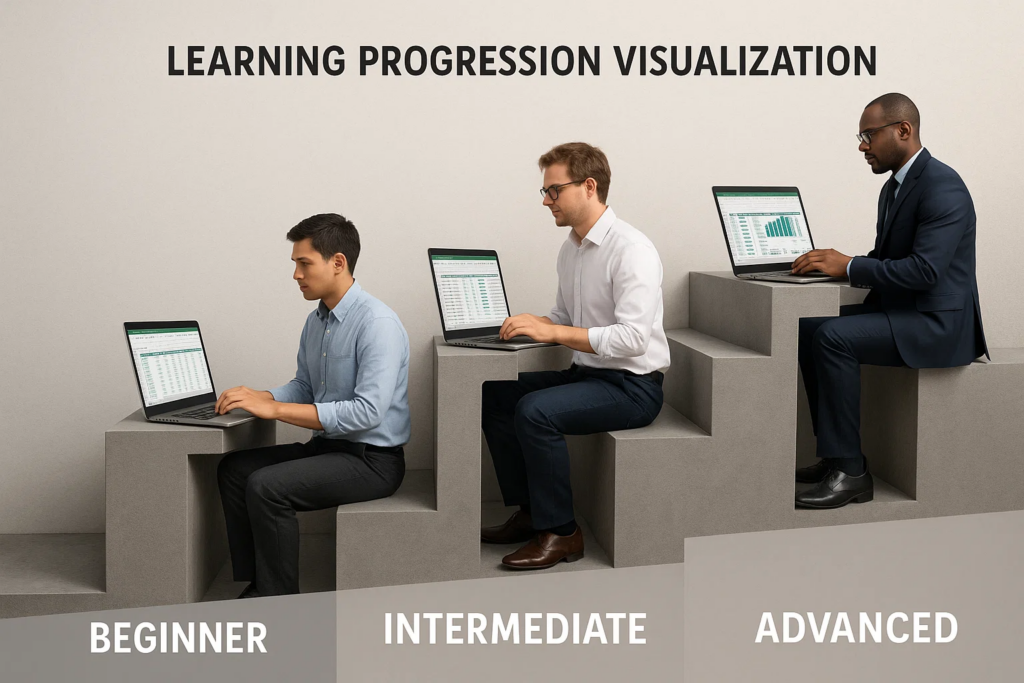
If you’re wondering how to learn MS Excel easily for accounting purposes, follow this structured approach:
Comprehensive MS Excel accounting courses can accelerate this learning process significantly.
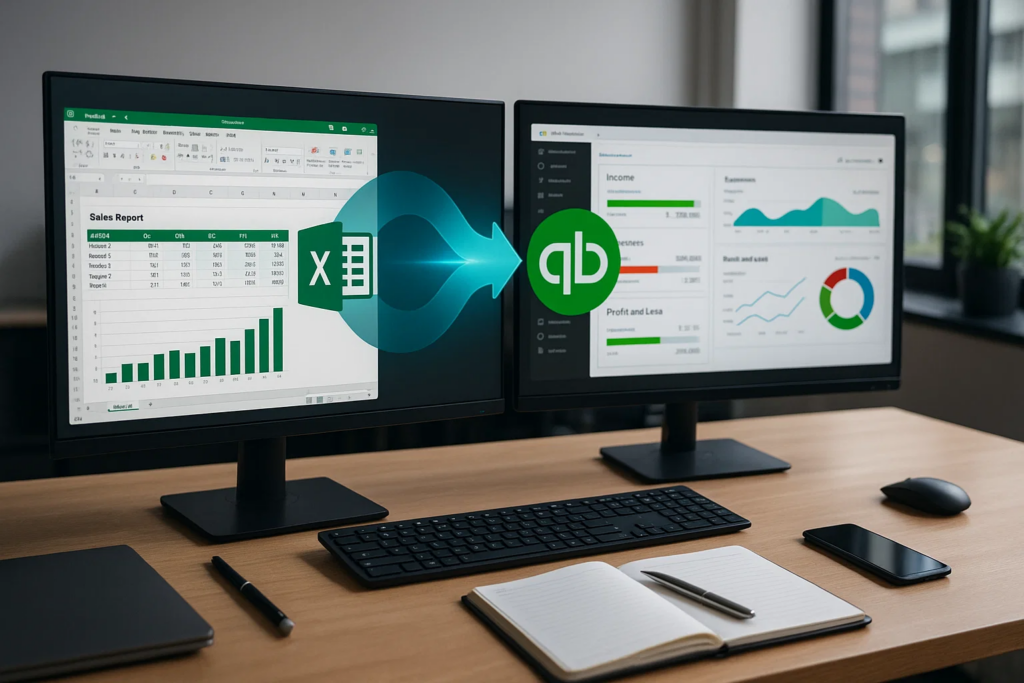
Maximize efficiency by connecting Excel with:
Combine Excel with Power BI to create:
Learn how Power BI enhances data analysis for accounting professionals.
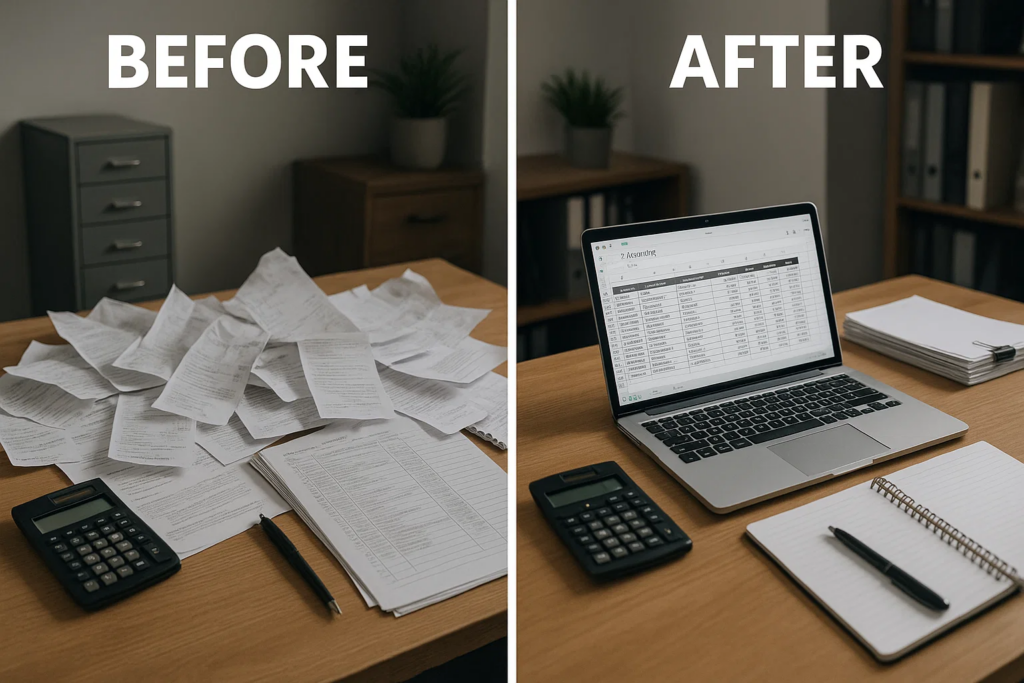
A retail business struggling with financial tracking implemented Excel accounting templates, resulting in:
An international manufacturing company upgraded their Excel skills through professional training:
Mastering Excel accounting significantly impacts your career prospects:
Discover top accounting skills to excel in your finance career through specialized training programs.
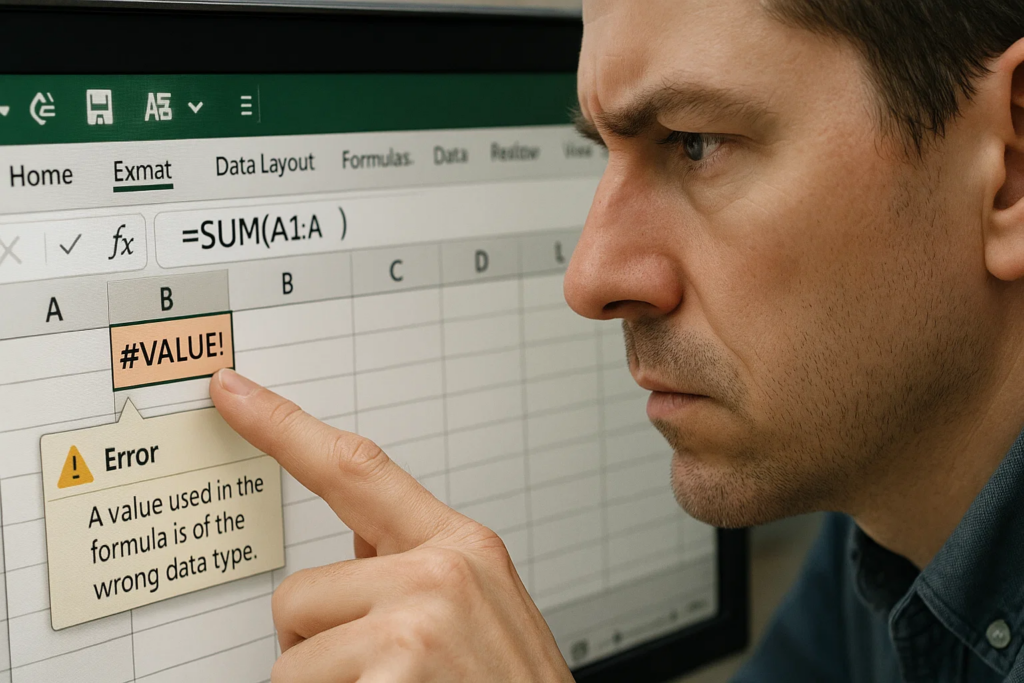
Address common Excel accounting errors:
Learn how to fix nested IF errors in Excel to make your financial models more robust.
Keep complex accounting workbooks running smoothly:
Basic Excel accounting skills can be acquired in 2-4 weeks of dedicated practice. Intermediate skills typically require 2-3 months, while advanced Excel accounting mastery can take 6-12 months depending on your learning pace and prior experience.
The most essential Excel functions for accountants include SUM, SUMIF, VLOOKUP, IF, DATE, PMT, PV, FV, NPV, IRR, and XNPV. These functions form the foundation of financial analysis and reporting in Excel.
While not essential for beginners, VBA skills significantly enhance accounting efficiency by automating repetitive tasks. For advanced accounting roles, basic VBA knowledge is increasingly expected.
Excel complements rather than replaces accounting software. It excels at analysis, modeling, and customized reporting that supplements the transaction processing strengths of dedicated accounting systems.
Practice by creating real financial statements, building budgets, and analyzing financial data. Using sample datasets from accounting textbooks or online resources provides practical experience.
Microsoft Excel certifications demonstrate verifiable skills to employers and can provide a competitive advantage. For accountants, specialized Excel certifications focused on financial applications offer the most value.
Plan to refresh your Excel skills annually, as Microsoft regularly adds new features relevant to accounting and financial analysis. Structured courses every 2-3 years help maintain cutting-edge knowledge.
Excel 365 provides the most current features for accounting, including enhanced Power Query, dynamic arrays, and XLOOKUP. However, Excel 2019 and 2016 remain fully capable for most accounting applications.
Mastering MS Excel accounting skills represents one of the highest-return investments for financial professionals. From automating routine bookkeeping tasks to developing sophisticated financial models, Excel proficiency transforms accounting productivity and career potential.
Rather than attempting to learn through trial and error, consider a structured approach through professional training. Specialized MS Excel accounting courses provide systematic skill development tailored to financial applications.
The journey to Excel accounting mastery is continuous, but the professional rewards are substantial. Start with fundamentals, practice consistently with real financial data, and gradually incorporate advanced techniques. Your financial insights, productivity, and career prospects will dramatically improve as a result.
Ready to transform your Excel accounting skills? Explore comprehensive accounting courses designed specifically for finance professionals.
Accounting courses available in:
Abu Dhabi ·
Dubai ·
Ajman ·
Sharjah ·
Fujairah ·
Ras Al Khaimah ·
Umm Al Quwain