
Choosing between Sage vs QuickBooks can make or break your business’s financial management efficiency. With over 70% of small businesses struggling with manual vs computerized accounting processes, selecting the wrong software costs companies an average of $12,000 annually in lost productivity and errors.
Whether you’re a growing startup or an established enterprise, this decision impacts your daily operations, tax compliance, and financial reporting accuracy. Understanding why QuickBooks is a must-have skill for modern accountants and recognizing common challenges in Sage 50 and how to overcome them will help you make an informed decision.
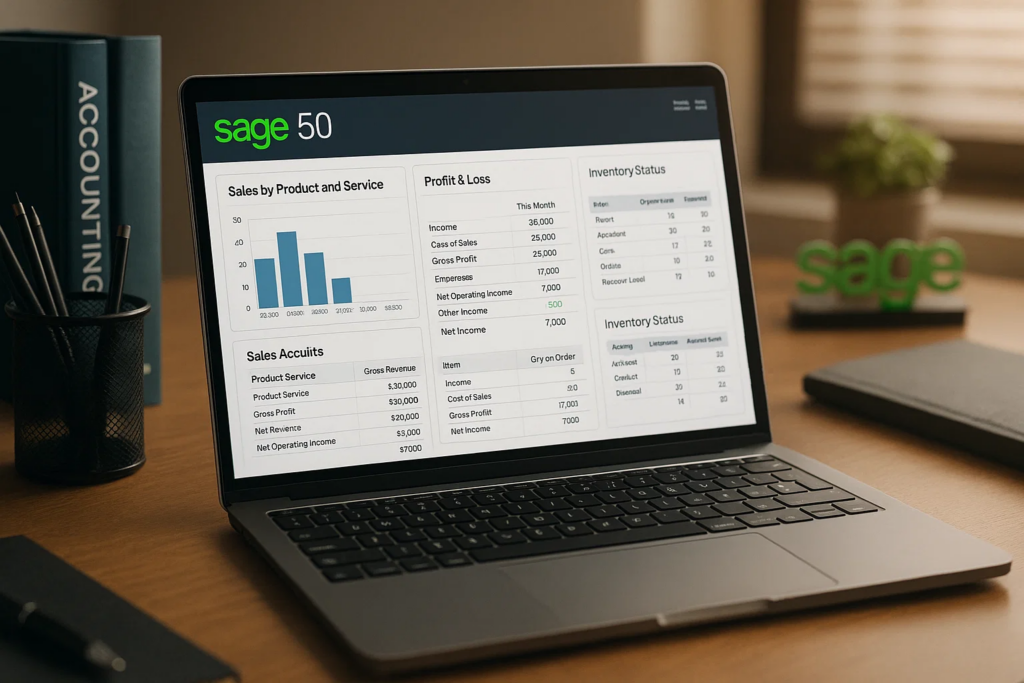
Sage is a comprehensive accounting solution designed for businesses of all sizes, offering robust financial management tools with advanced reporting capabilities. Known for its flexibility and customization options, Sage has been serving businesses worldwide for over four decades. Before diving deep into Sage’s capabilities, it’s essential to understand how to become a certified accounting specialist to maximize your software proficiency.
Financial Management:
Business Operations:
Understanding how to use Excel for accounting purposes can complement your Sage implementation and enhance your overall financial management capabilities.
Compliance and Security:
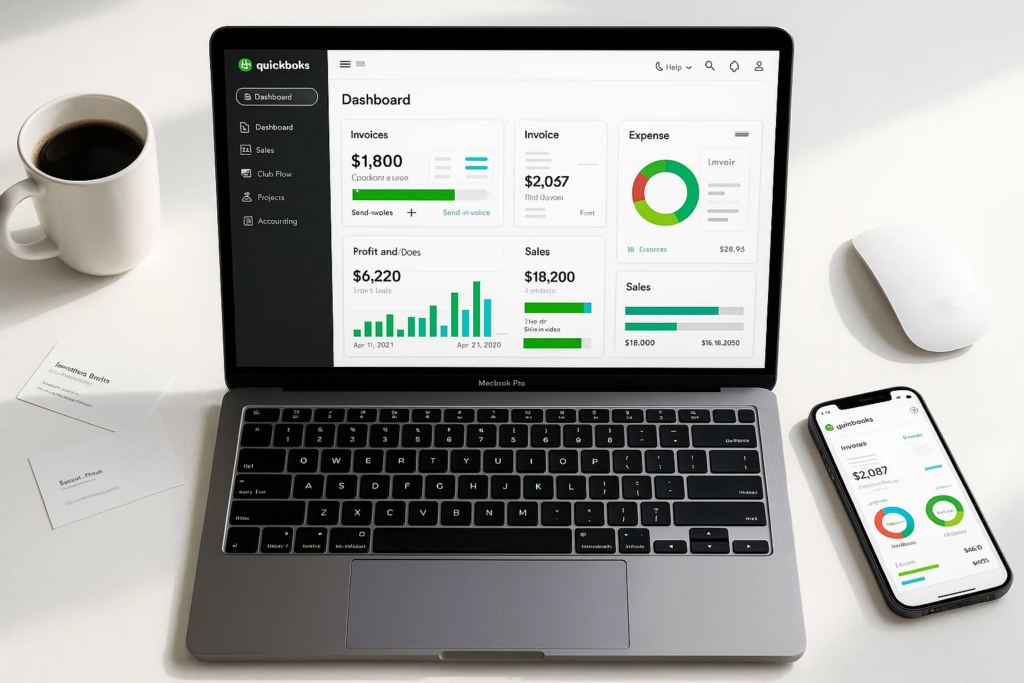
QuickBooks dominates the small business accounting market with its user-friendly interface and comprehensive feature set. Developed by Intuit, QuickBooks offers cloud-based and desktop solutions tailored for different business sizes and industries.
Core Accounting:
Business Intelligence:
Additional Tools:
For professionals looking to excel in their finance career, understanding top accounting skills to excel in finance career is crucial alongside mastering QuickBooks functionality.
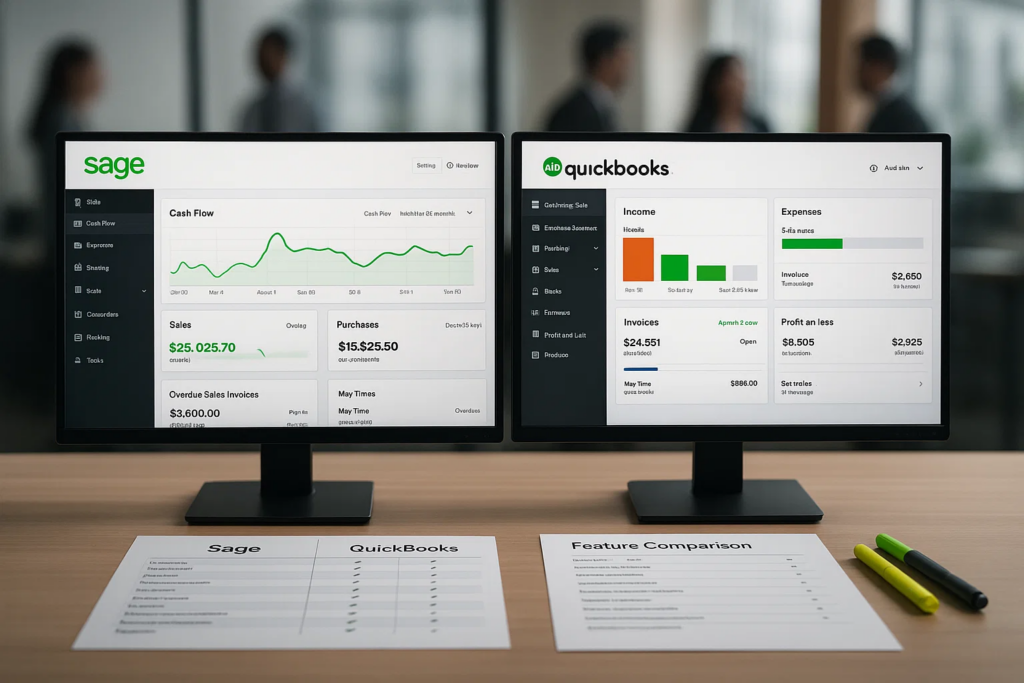
QuickBooks Advantage:
Sage Considerations:
Sage Strengths:
QuickBooks Strengths:
Sage Superior Features:
QuickBooks Basic Features:
Sage Advantages:
QuickBooks Considerations:

When comparing Sage vs QuickBooks pricing, consider these factors:
Sage 50 Cloud Total Costs:
QuickBooks Online Total Costs:
Understanding why every professional should understand basic accounting principles helps evaluate the true ROI of your software investment.
Sage ROI Benefits:
QuickBooks ROI Benefits:
For businesses requiring specialized training, consider exploring accounting for non-accounting professionals to ensure your team maximizes software benefits.
QuickBooks User Experience:
Sage User Experience:
Both platforms offer mobile apps, but with different capabilities:
QuickBooks Mobile App:
Sage Mobile App:
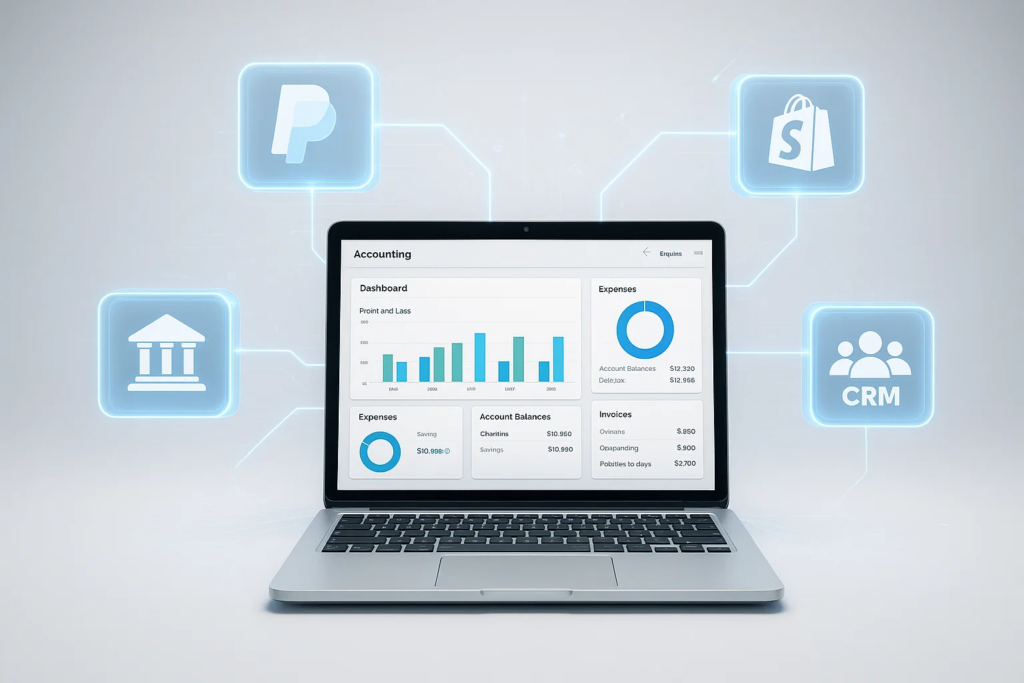
QuickBooks Integration Ecosystem:
Sage Integration Options:
For businesses operating in the UAE, understanding local compliance requirements is crucial. Consider beginners guide to corporate tax training to ensure your accounting software choice aligns with regional regulations.
QuickBooks Banking Features:
Sage Banking Features:

QuickBooks Support Options:
Sage Support Options:
Both platforms offer professional development opportunities. Understanding why non-accountants should learn basic accounting is essential before choosing your software platform.
QuickBooks ProAdvisor Program:
If you’re looking to enhance your accounting skills, consider exploring QuickBooks training programs or Sage 50 courses to maximize your software proficiency.

QuickBooks Security Measures:
Sage Security Measures:
QuickBooks Online:
Sage 50 Cloud:
✅ Your business requires advanced inventory management
✅ You need sophisticated financial reporting
For professionals pursuing advanced credentials, explore global accounting career with ACCA to complement your Sage expertise.
✅ You have dedicated accounting staff
✅ You prioritize ease of use and quick setup
✅ You value extensive third-party integrations
✅ Budget is a primary consideration
Additionally, learning career benefits of learning advanced MS Excel can significantly enhance your QuickBooks proficiency and overall accounting capabilities.
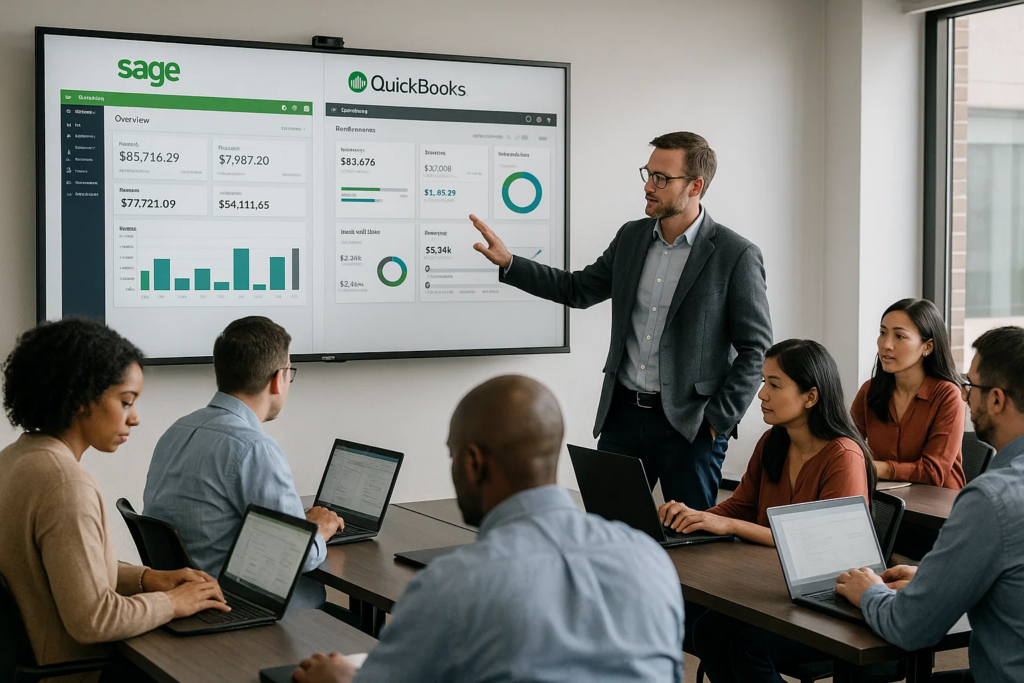
Regardless of which software you choose, proper training is essential for maximizing your investment. Consider these professional development options:
For comprehensive accounting education, explore accounting courses that cover both software platforms and fundamental accounting principles. You can also check out trending courses online to stay updated with the latest industry demands.
QuickBooks is generally better for small businesses due to its user-friendly interface, lower cost, and easier implementation. However, Sage is superior for businesses with complex inventory or manufacturing needs.
Yes, both platforms offer data migration tools and services. QuickBooks provides a conversion service for Sage users, while Sage offers migration assistance for QuickBooks users transitioning to their platform.
QuickBooks typically provides faster response times and 24/7 support for higher-tier plans. Sage offers comprehensive support but primarily during business hours with longer response times.
Both platforms maintain high security standards. Sage uses 256-bit AES encryption while QuickBooks uses 128-bit SSL encryption. Both are SOC 2 certified and compliant with major data protection regulations.
Sage 50 offers significantly more advanced inventory management features, including barcode scanning, serial number tracking, and multi-location inventory. QuickBooks provides basic inventory tracking suitable for simple product-based businesses.
While technically possible, running both systems simultaneously is not recommended due to data synchronization issues and increased costs. Choose one platform and ensure proper data migration if switching.
For small businesses with basic needs, QuickBooks typically offers better long-term value. For growing businesses with complex requirements, Sage may provide better ROI despite higher initial costs.
Yes, both offer mobile applications. QuickBooks mobile app provides full functionality matching the desktop version, while Sage mobile app focuses primarily on viewing data and basic operations.
QuickBooks excels in tax preparation with direct TurboTax integration and automated tax form generation. Sage provides robust compliance tools but requires more manual tax preparation processes.
Sage offers over 100 pre-built reports with extensive customization options, making it superior for businesses needing detailed financial analysis. QuickBooks provides user-friendly visual reports perfect for quick business insights and decision-making.
The choice between Sage vs QuickBooks ultimately depends on your specific business needs, technical expertise, and growth plans. QuickBooks dominates in user experience and cost-effectiveness for small to medium businesses, while Sage excels in advanced functionality and scalability for complex business operations.
Consider your current requirements, future growth plans, and available resources when making this critical decision. Both platforms offer trial periods, allowing you to test their capabilities before committing to a long-term solution.
Remember that investing in proper training, regardless of your choice, will maximize your software’s value and ensure optimal financial management for your business success.
For professional accounting software training and certification programs, explore comprehensive courses at Alif Byte Education to enhance your skills and maximize your chosen platform’s potential.
Accounting courses available in:
Abu Dhabi ·
Dubai ·
Ajman ·
Sharjah ·
Fujairah ·
Ras Al Khaimah ·
Umm Al Quwain