


You open a job listing for an accountant in Dubai. Almost every one of them says the same thing: “Proficiency in Microsoft Excel required.” Yet most accountants still rely on basic formulas and manual copy-pasting — and that gap costs them hours every week and opportunities every year.
Excel is not going anywhere. Even with dedicated accounting software like QuickBooks or Tally, Excel remains the layer where analysis happens, reports get formatted, and decisions get made. The accountants who move up are the ones who have mastered the right Excel skills — not every function in the ribbon, just the ones that matter for finance work.
This guide cuts straight to those ten skills. No filler. Just what you need to know, why it matters, and how it directly applies to your daily work.
If you work with large datasets — vendor lists, payroll records, invoice logs — VLOOKUP is the function that stops you from manually searching thousands of rows. It looks up a value in one column and pulls corresponding data from another column in the same table.
VLOOKUP syntax: =VLOOKUP(lookup_value, table_array, col_index_num, [range_lookup])
XLOOKUP is the modern replacement. It works in both directions, handles errors more cleanly, and doesn’t break when you insert columns into your data.
XLOOKUP syntax: =XLOOKUP(lookup_value, lookup_array, return_array, [if_not_found])
Where accountants use this: Matching invoice numbers to payment records, pulling employee tax codes from an HR sheet into payroll, reconciling bank transactions against a general ledger.
Key Takeaway: Learn XLOOKUP first if you’re starting out. It is more flexible and future-proof, though VLOOKUP still appears on older spreadsheets you’ll inherit.
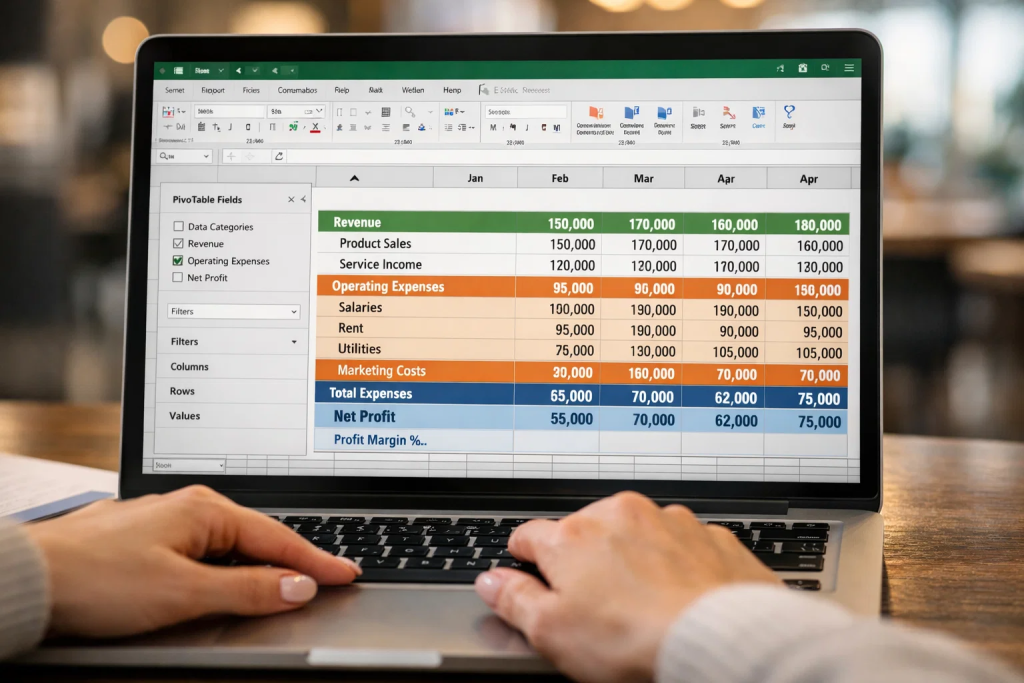
PivotTables are the single most powerful tool an accountant can know in Excel. They let you summarize thousands of rows of transaction data into a clean, filterable report in under a minute — without a single formula.
You can group expenses by department, break down revenue by month, or compare year-on-year costs by category. Add a PivotChart and that summary becomes a visual instantly shareable with management.
How to create a PivotTable:
Where accountants use this: Monthly management reporting, expense analysis, trial balance summaries, and VAT reconciliation in the UAE context.
Conditional formatting makes your spreadsheet work for you visually. It automatically highlights cells based on rules you set — for example, turning any expense that exceeds budget red, or flagging overdue invoices in orange.
For an accountant reviewing hundreds of transactions, this turns a wall of numbers into a scannable report.
Common use cases:
How to apply it: Select your range → Home → Conditional Formatting → Choose a rule type or create a custom formula-based rule.
The IF function is where Excel stops being a calculator and starts being a decision-maker. It tests a condition and returns one result if true and another if false.
Basic IF syntax: =IF(logical_test, value_if_true, value_if_false)
Example: =IF(B2>10000, "High Value", "Standard") — labels invoices above AED 10,000 automatically.
For multiple conditions, use IFS instead of nesting multiple IFs inside each other, which quickly becomes hard to read and prone to errors. If you have run into broken nested IF formulas in spreadsheets you’ve inherited, this guide on fixing nested IF errors in Excel explains exactly how to untangle them.
Where accountants use this: Tax bracket calculations, commission tier assignment, payment status labeling, and expense categorization rules.

Dirty data is one of the most common reasons financial reports are wrong. Data validation prevents bad entries from getting into your spreadsheet in the first place.
You can restrict a cell to accept only numbers within a range, force a date format, or create a dropdown list of pre-approved categories — like account codes, department names, or VAT rates.
How to set it up: Select cells → Data → Data Validation → Set your criteria.
Why this matters in accounting: In UAE businesses dealing with VAT returns, one wrong input in a category field can throw off an entire quarter’s reconciliation. Data validation stops that problem at the source rather than during a frantic month-end review.
If you spend more than 20 minutes every week cleaning raw data exports from your ERP, bank, or billing system before you can use them in Excel, Power Query will give you that time back permanently.
Power Query is a built-in Excel feature that lets you connect to data sources, transform and clean data using a visual editor, and load the results into a table — all without formulas or VBA. Once you set it up, you just click Refresh next time new data comes in.
What you can do with it: Remove blank rows, split columns, unpivot data, change data types, merge tables from different sources, and filter records — all recordable in steps that replay automatically.
Accounting professionals working with Power Query for data analysis often report cutting their data preparation time by 60–70%. If you are serious about building a data career in the UAE, this is a non-negotiable skill. Read more about career opportunities in Power Query and how professionals are leveraging it across industries.
Beyond basic SUM and AVERAGE, accountants regularly need a set of financial functions built into Excel for evaluation and reporting:
| Function | What It Does | Accounting Use |
|---|---|---|
| NPV | Net Present Value | Capital investment appraisal |
| IRR | Internal Rate of Return | Project profitability analysis |
| PMT | Loan/lease payment calculation | Debt schedule modeling |
| XNPV / XIRR | Cash flows on irregular dates | More accurate DCF analysis |
| SUMIF / SUMIFS | Conditional totals | Filtering expenses by category or date |
| COUNTIF / COUNTIFS | Count matching records | Audit checks, duplicate detection |
These are the functions that appear in financial models, loan assessments, and budget-versus-actual reports. Mastering them is part of what differentiates a certified accounting specialist from someone who simply records entries. If you want to understand how Excel fits into the broader set of skills employers look for, this guide on top accounting skills for finance careers covers the full picture.
Knowing how to present financial data visually is increasingly expected from accountants — not just analysts. A well-designed Excel dashboard lets management see KPIs at a glance without digging through spreadsheets themselves.
Elements of a strong accounting dashboard:
The principle is simple: your job is not just to calculate the numbers — it is to make them understandable to the people who act on them. This skill directly contributes to career advancement in accounting by making your output visible and valued.
This skill is often overlooked in training but is immediately visible in your daily output. An accountant who navigates Excel by keyboard rather than mouse completes the same tasks significantly faster and with fewer errors from accidental clicks.
The shortcuts every accountant should have memorized:
Ctrl + Shift + L — Toggle filters on/offCtrl + T — Convert range to structured TableCtrl + ; — Insert today’s dateAlt + = — AutoSum selected rangeF4 — Repeat last action / Toggle absolute reference in formulasCtrl + Shift + $ — Apply currency formatCtrl + Page Up / Down — Switch between worksheetsCtrl + \ — Highlight cells that differ between two columns (great for reconciliation)These are not tricks — they are fundamentals. Combine them with structured Table formatting and named ranges, and your spreadsheets become faster to build and easier for others to maintain.
You do not need to become a developer. But knowing how to record a macro in Excel — and make minor edits to it — can eliminate hours of repetitive monthly tasks.
A macro is simply a recorded sequence of actions. Once recorded, you run it with a button click or a shortcut. Use it to format monthly reports, export data to a standard template, or apply the same transformations to new files every month.
Where to start:
Alt + F8For accountants who want to go further, basic VBA (Visual Basic for Applications) lets you add logic like loops and conditions to your macros — turning a simple recording into a powerful workflow tool.
This is a core part of what separates intermediate Excel users from advanced ones. Learning advanced MS Excel and understanding its full range of automation tools is one of the highest-ROI investments an accountant can make in their career in 2026. To get structured, explore what a proper advanced Excel course covers and how it maps to accounting workflows. You can also revisit the foundational guide on how to learn MS Excel for accounting if you want to build from the ground up.

Not all ten skills are equally urgent depending on where you are in your career. Here is a practical guide:
| Career Stage | Priority Skills |
|---|---|
| Entry-Level / Junior Accountant | VLOOKUP/XLOOKUP, IF formulas, Conditional Formatting, Data Validation |
| Senior Accountant / Executive | PivotTables, Financial Functions, Power Query, Dashboards |
| Finance Manager / Controller | Macro Recording, VBA basics, Dynamic Dashboards, Power Query automation |
If you are building your career in the UAE, understanding what accountants earn in Dubai and which short courses are worth pursuing can help you plan your skills roadmap with salary outcomes in mind. Excel expertise consistently appears as a top factor in moving from junior to senior accounting roles across the Gulf region.
Beyond Excel, accountants in the UAE are also increasingly expected to understand computerized accounting systems and tools like QuickBooks. Excel complements — not replaces — those platforms, particularly when it comes to analysis, reporting, and financial modeling.
PivotTables are arguably the most impactful single skill because they directly reduce the time spent on monthly reporting and data summarization — tasks every accountant does repeatedly.
Yes. Accounting software handles transactions and compliance. Excel is where analysis, modeling, and custom reporting happen. The two tools serve different purposes and are used together in most finance teams.
VLOOKUP only searches left-to-right and breaks when columns are inserted. XLOOKUP searches in any direction, handles errors more cleanly, and is the Microsoft-recommended replacement.
With focused practice on the skills listed above, most accountants can reach a practical working level in 4–8 weeks. A structured course accelerates this significantly compared to self-learning.
Yes. Power Query is built into Excel (under the Data tab as “Get & Transform Data”) and is included in all modern versions of Microsoft 365 and Excel 2016 and later.
For very small businesses, Excel can manage basic bookkeeping. For any business with multiple transactions, inventory, VAT compliance, or payroll, dedicated accounting software is necessary. Excel is best used for analysis on top of that software.
SUMIF, SUMIFS, NPV, IRR, PMT, XNPV, and XIRR are the most commonly used in day-to-day accounting and financial analysis work.
Basic macro recording is useful for most accountants. Full VBA programming is not required but is a strong differentiator for senior finance professionals who manage complex reporting workflows.
Based on UAE job market requirements, employers in Dubai and Abu Dhabi consistently ask for PivotTables, VLOOKUP/XLOOKUP, financial modeling functions, and dashboard reporting. Power Query and macros are valued at the senior level and increasingly listed in mid-level roles.
Structured training programs in Dubai and Sharjah specifically covering Excel for finance and accounting applications are available through professional training institutes. Look for programs that combine Excel with practical accounting scenarios rather than generic Excel courses.
The ten Excel skills in this guide are not extras — they are what the job actually requires. Start with the ones that match your current role, build from there, and the improvement in your speed, accuracy, and visibility at work will follow quickly. In the UAE’s competitive job market, these skills are the difference between being considered and being hired.
Ready to put these skills into practice with proper guidance? Alifbyte Education offers hands-on Excel and accounting training built for finance professionals in the UAE — practical, flexible, and aligned with what employers in Dubai and beyond actually expect.